 Paperwell
Scan documents
Capture paper with your camera and save it as a clean, shareable PDF.
Scan, read, sign and edit PDFs on your iPhone, iPad or Android. Everything happens on your device, so your documents never leave your hands.
Paperwell replaces a drawer of single-purpose apps with one calm, fast place for every document job.
Capture paper with your camera and save it as a clean, shareable PDF.
Turn scans and photos into searchable, copyable text, right on your phone.
Place your signature, dates, ticks and text. Resize or remove anything.
Combine several files into one, in exactly the order you want.
Split by ranges, reorder, rotate, reverse or delete pages.
Make big PDFs small enough to email, with a preview before you save.
Move between PDFs and images, and export the text you recognised.
Add watermarks, page numbers, headers and footers in a tap.
Cut out a subject and pick a new backdrop, all on your device.
Crop to the right size and lay out a printable sheet.
Scan a code from a photo, or create one for a link, text or Wi-Fi.
Strip GPS and metadata from photos before you share them.
Keep scans, PDFs and photos in one Library. Create groups, add marks, search names and text, and find anything in seconds. Edited a file with a tool? Paperwell asks if you want to keep it, and which folder it belongs in.
Paperwell has no server for your files, no account to create and no tracking. Scanning, text recognition and every edit run on your device, even in airplane mode.
Designed like good stationery: paper, ink and a touch of gold.
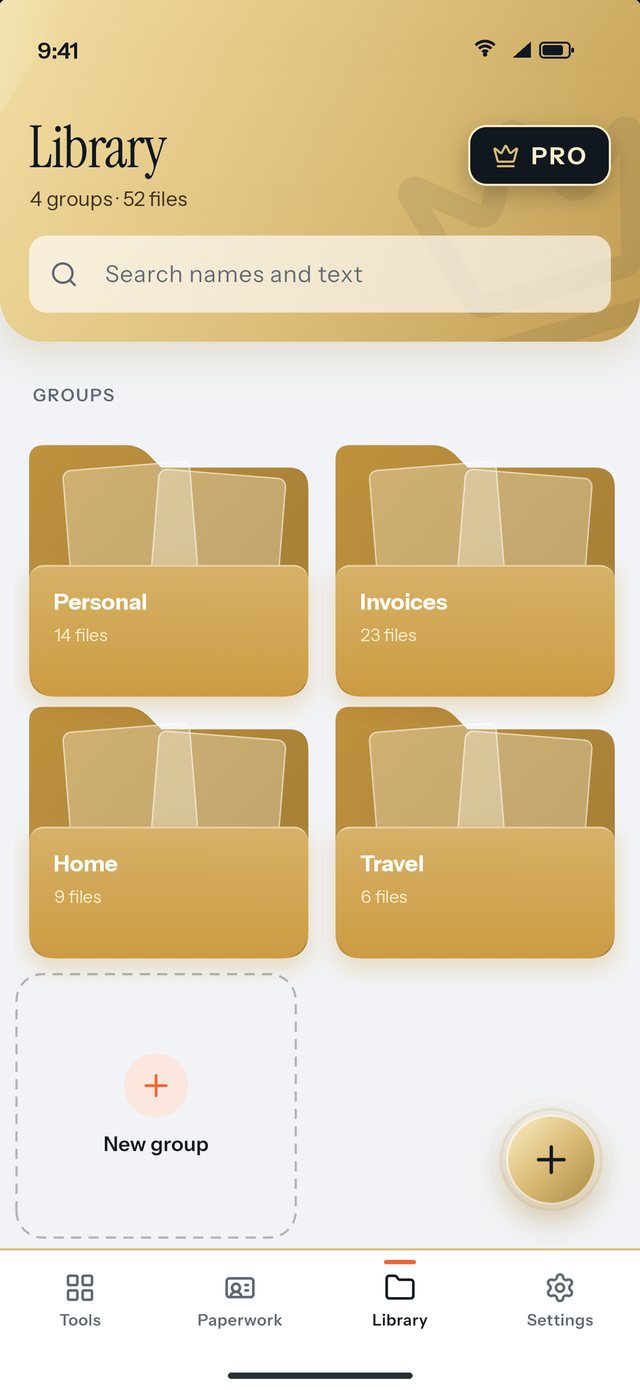
Groups as folders
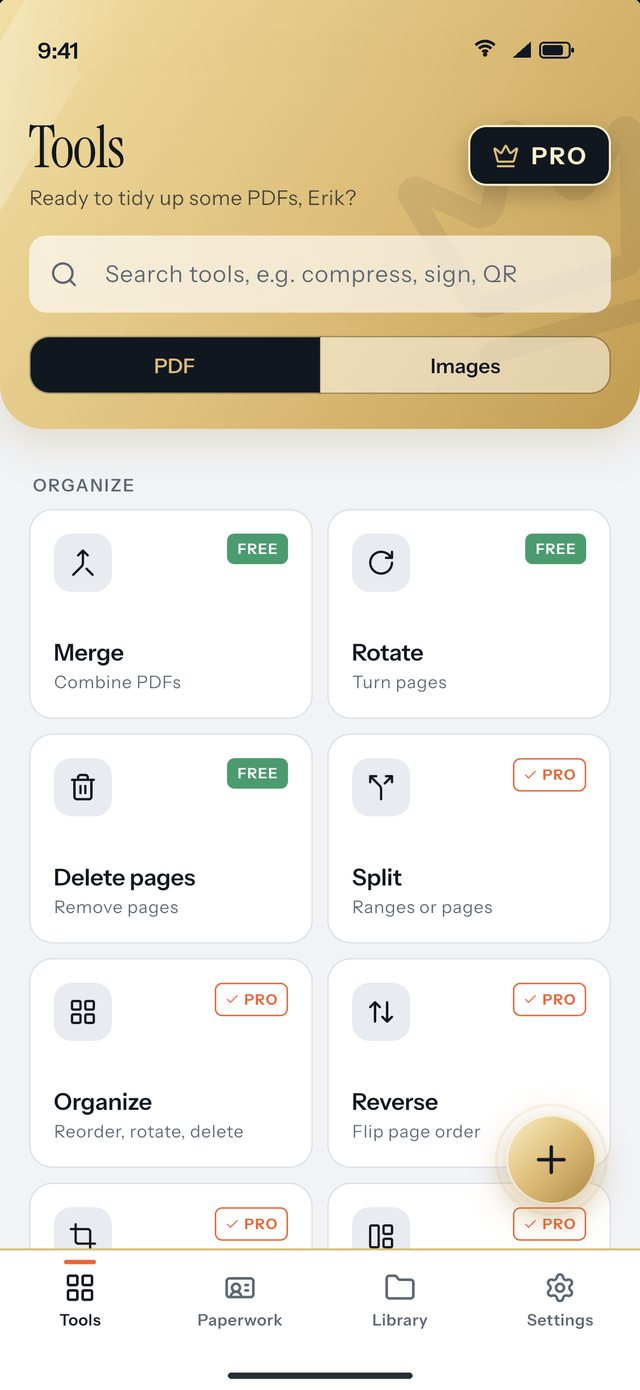
Find any tool fast
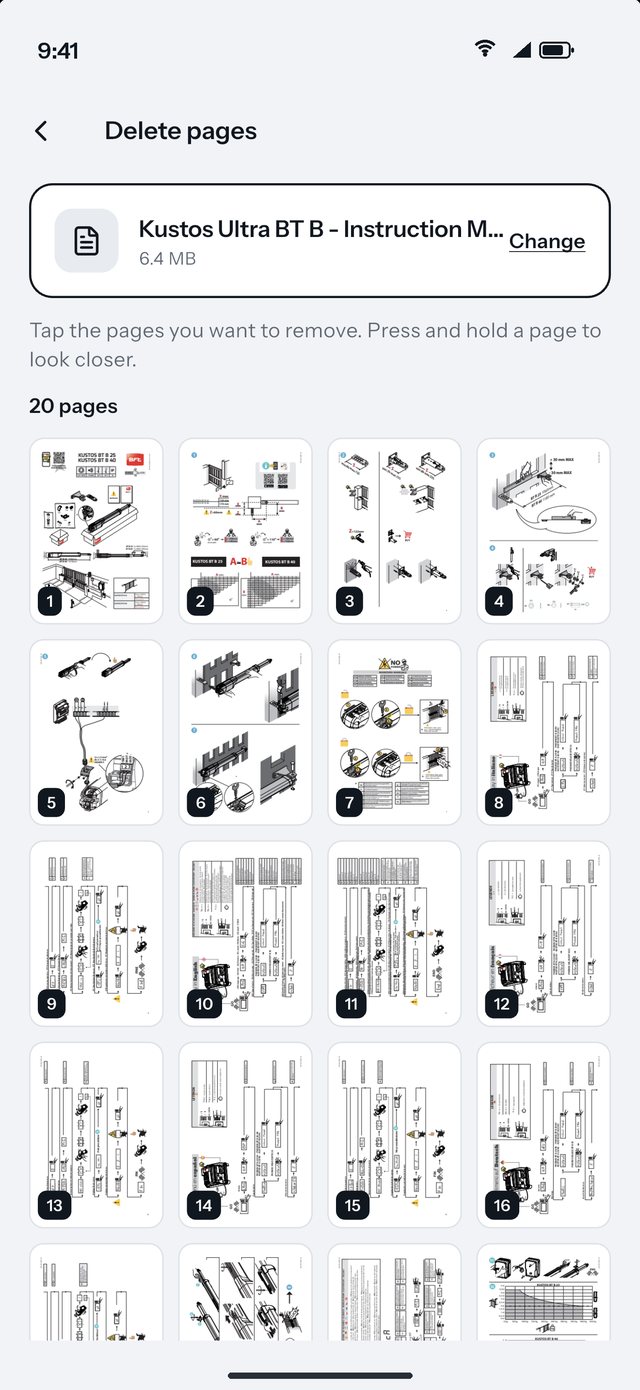
Tap to remove
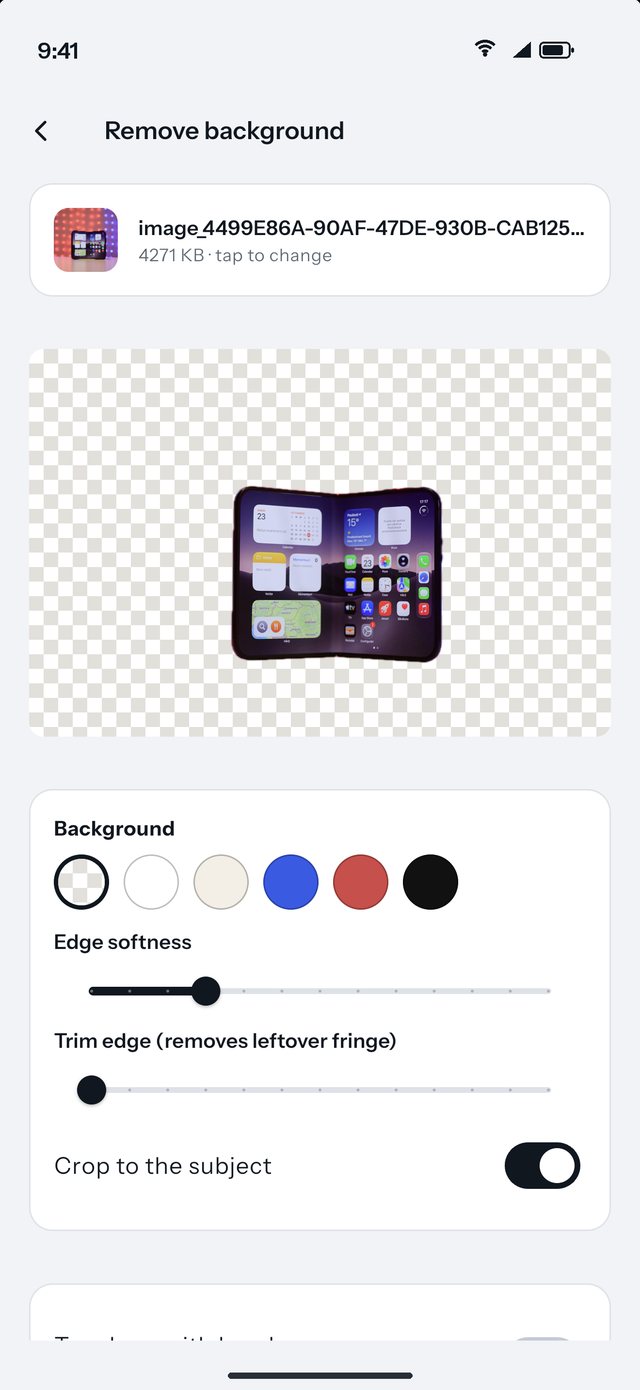
Cut out in one go
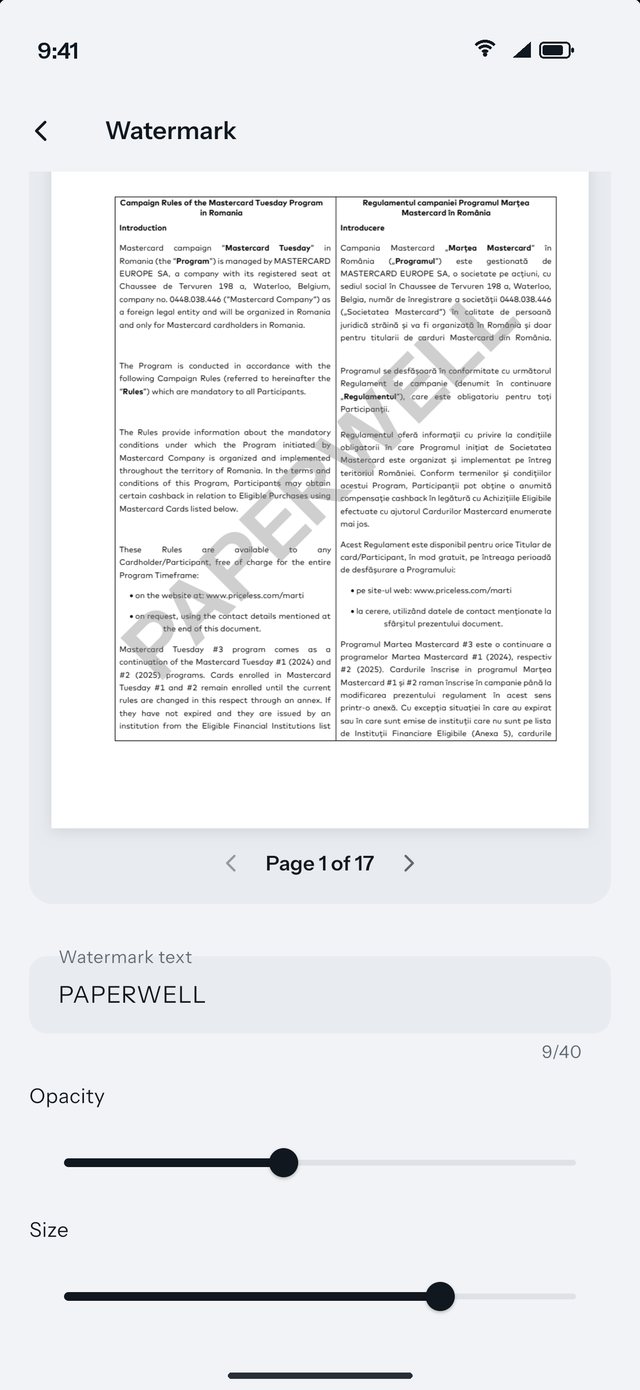
Live preview
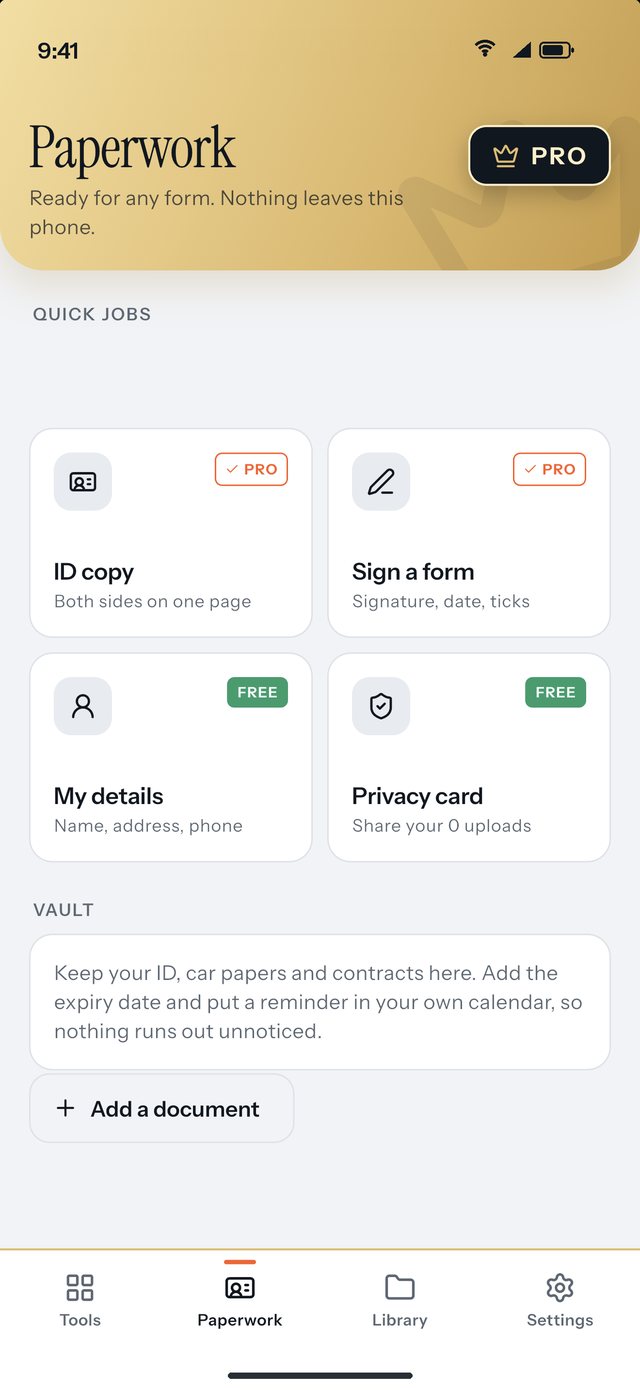
Forms, IDs, done
Try Pro tools free for 3 days with any subscription. Cancel anytime in your store account.
Prices are in US dollars and shown before local taxes; your store shows the exact price for your country. Subscriptions renew automatically unless cancelled at least 24 hours before the end of the current period, and you manage them in your App Store or Google Play account. Free forever: merge, rotate, delete pages, compress images, remove photo location, QR codes and more. See the terms for details.
Yes. Scanning, text recognition and all PDF and image tools run on your device. The only time it goes online is to check your Pro subscription with the App Store or Google Play.
No. There is no Paperwell server for your files and no account. Your documents stay in the app on your device, and nobody else can see them.
Everyday tools such as merge, rotate, delete pages, image compression, photo metadata removal and QR codes are free. Pro unlocks the rest, including text recognition, signing, splitting, PDF compression, background removal and more.
New subscribers get 3 days free on the weekly, monthly and yearly plans. If you cancel at least 24 hours before the trial ends, you are not charged. Manage it in your App Store or Google Play subscriptions.
Open Paperwell, go to the Pro screen and tap Restore purchases while signed in to the same Apple ID or Google account you used to buy.
Text recognition works with Latin-script languages such as English, Romanian, Hungarian, German, French and Spanish. Results depend on the quality of the scan.
iPhone and iPad, and Android phones and tablets. The layout adapts to larger screens.
No, to protect your privacy Paperwell keeps its files out of cloud and computer backups. Export or share anything you want to keep outside the app. More in the support page.
Get Paperwell and keep every document private, tidy and ready.